![Logos.webp]](https://help.shopbox.com/hs-fs/hubfs/Logos.webp?height=22&name=Logos.webp)
Configure the Simple setup in Shopbox
Once the connection is in place, you can configure the fields used by the Simple integration. In the Simple setup, your sales are posted in a more consolidated way, which makes it easier to maintain and usually results in fewer postings.
Recommended setup
- Use Simple if you want your revenue posted in a straightforward, consolidated way.
- Simple is usually the best option if you only use one VAT group.
- If you need category-level revenue mapping or work with multiple VAT groups, Simple Multiple Categories may be a better fit.
Fields to configure
- Sales account: Choose the account where your daily revenue should be posted.
- Export invoice: Decide how invoices should be handled when invoice sales are created in Shopbox.
- VAT choices: Map each VAT rate from Shopbox to the correct VAT account in Tripletex.
- Payment methods: Select the correct account for cash, card payments, mobile payments, gift cards, and invoice sales.
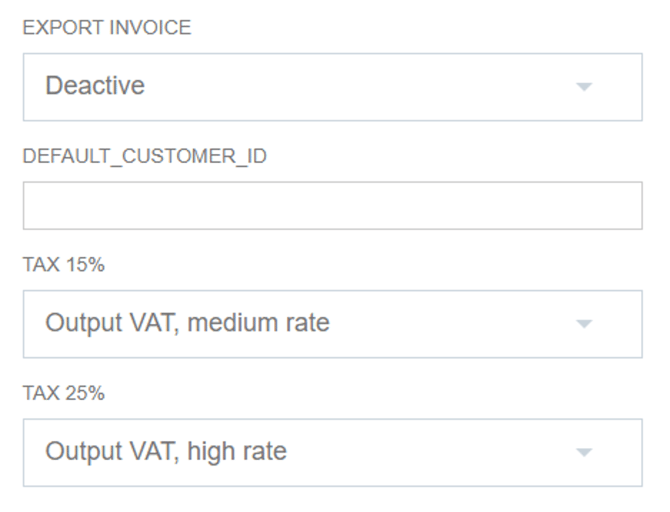
Map invoice behavior and VAT rates in the integration settings.
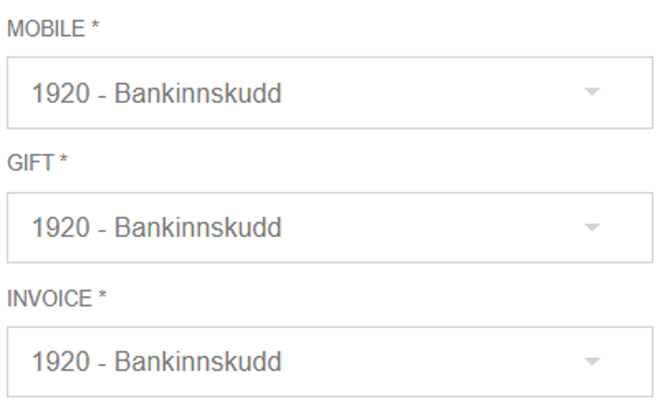
Assign accounts to mobile payments, gift card payments, and invoice sales.
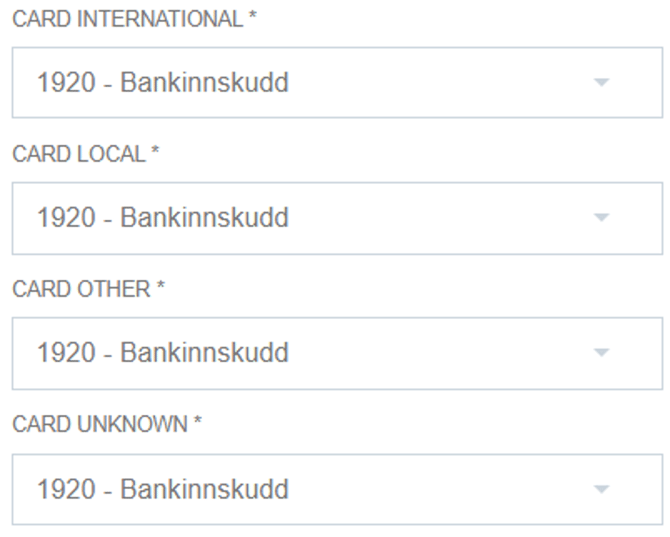
Assign accounts to card payments such as local, international, and other card types.
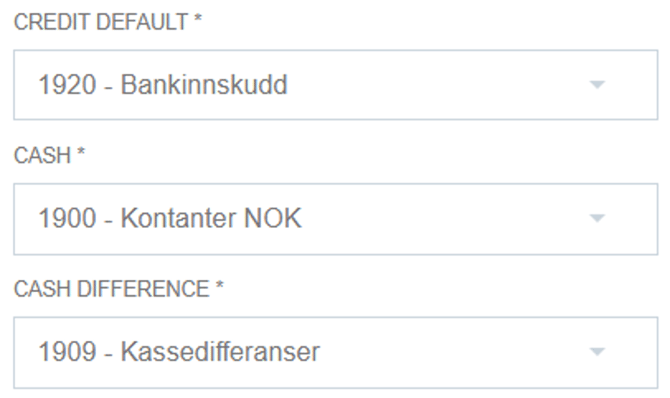
Set up your fallback credit account and configure cash-related postings.
Export invoice options
- Deactivate: Shopbox invoices are not sent as invoices. The revenue is posted as a revenue journal entry instead.
- Export Draft: Invoices are transferred to Tripletex as draft invoices, and you send them from Tripletex.
- Book Invoice: Invoices are posted and created in Tripletex, but they are sent from Shopbox.