![Logos.webp]](https://help.shopbox.com/hs-fs/hubfs/Logos.webp?height=22&name=Logos.webp)
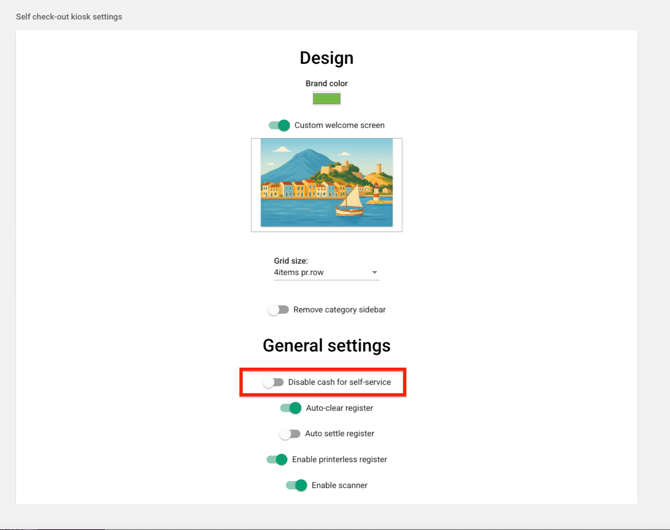
When you disable cash, customers can no longer choose cash on the self service checkout. This makes payments faster and more consistent.
Step by step
-
Go to Store settings
-
Find the branch you want to update and click the Edit icon
-
Scroll all the way down to Self service settings
-
Find Cash and toggle it to Disable cash
Important
When cash is disabled here, it is also removed from mixed payments. This means you cannot combine cash with other payment methods in one payment.
Quick check afterwards
Open the self service checkout and confirm that Cash is no longer available as a payment option, both for single payments and split payments.